Ubuntu18.04终端更换为深度终端
之前从Deepin到Ubuntu18多多少少有点不适应,特别是终端,所以心血来潮把Ubuntu的终端换成深度终端。
深度终端安装
加入官方源,安装就完事了
sudo add-apt-repository ppa:noobslab/deepin-sc
sudo apt-get update
sudo apt-get install deepin-terminal
改成默认终端
首先 安装dconf-tools
apt-get install dconf-tools
打开dconf

搜索exec

关闭默认配置,在Custom value输入deepin-terminal
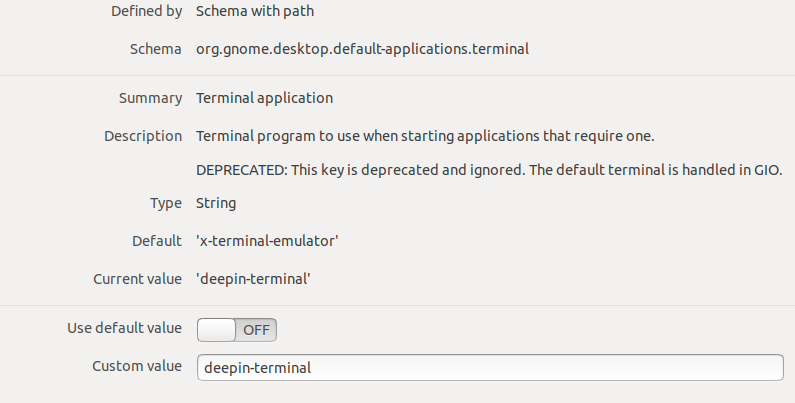
然后就可以Ctrl+Alt+T了
最后
祝使用深度终端愉快!
Ubuntu18.04终端更换为深度终端